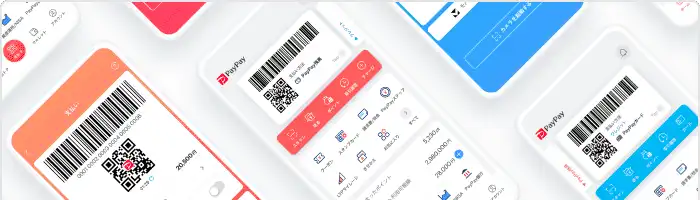


PayPay Corporation (PayPay Corp.), a joint venture of SoftBank Group Corp. and SoftBank Corp. and Yahoo Japan Corporation, have released PayPay for Business that is the app version of a payment management tool for merchants on July 23, 2019.
PayPay for Business is a tool for merchants to manage information on payments and sales made by PayPay. Until now, only the web version of PayPay for Business that can be used with a browser on a PC or smartphone has been provided. With the released app version, merchants can more easily and conveniently do things, including making refunds and checkking sales, using only smartphones.
With the web version of PayPay for Business, a merchant can display a QR code and manage a payment in the User Scan (scan payment) method in which the user reads the QR code of the merchant, using the PayPay for Business app. Furthermore, as a specification only for the app version, there are two newly added functions: a QR code reading function and a payment management function in the Store Scan (code payment) method in which the merchant reads the QR code displayed by the user on a smartphone or the like.
In the future, PayPay Corp. plans to develop and update functions in PayPay for Business that allows customers and merchants to use PayPay more conveniently, for example, a function allowing the merchants to issue their own coupons.
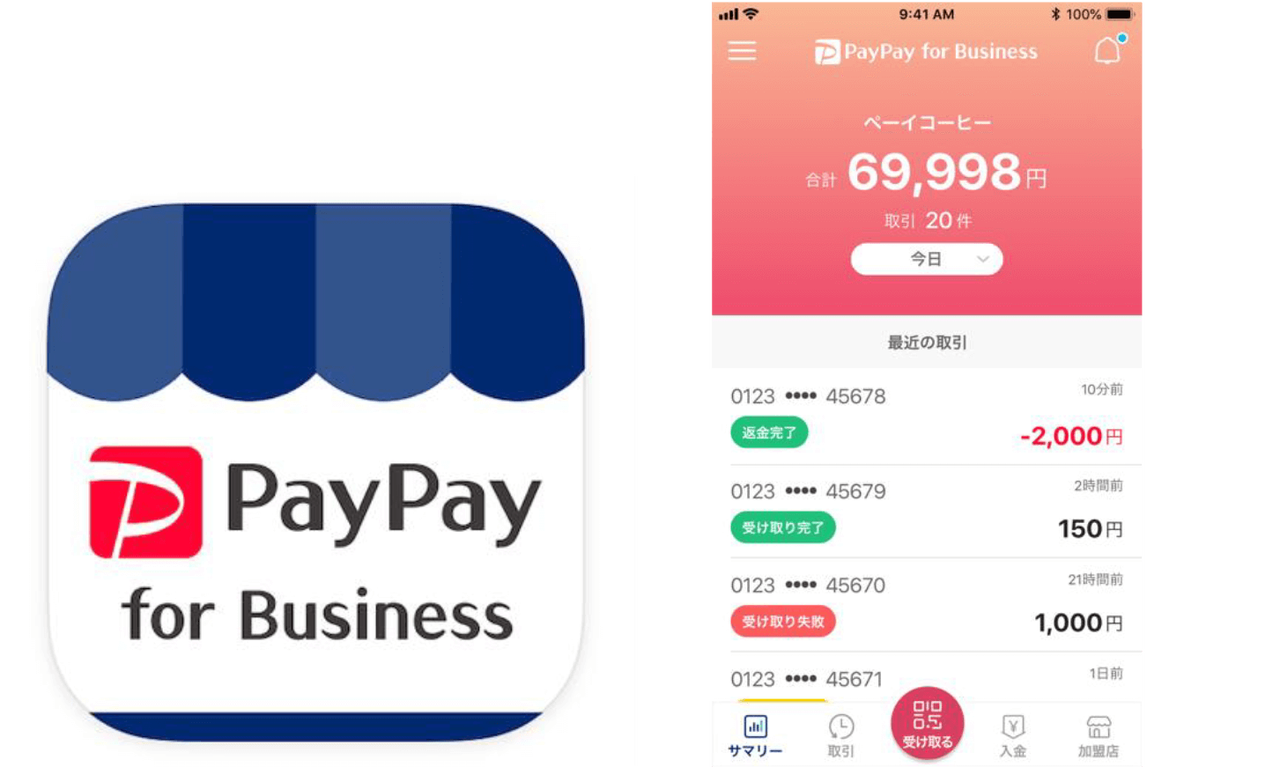
The main functions of the app version of PayPay for Business are as follows.
(1) Payments are possible either in the Store Scan (code payment) method or the User Scan (scan payment) method.
When you tap “Receive” in the bottom of the screen, you can read the QR code of the user in conjunction with the smartphone camera. In addition, when you tap “Receive by Barcode” in the bottom left part of the screen, you can display the QR code of the merchant.
-
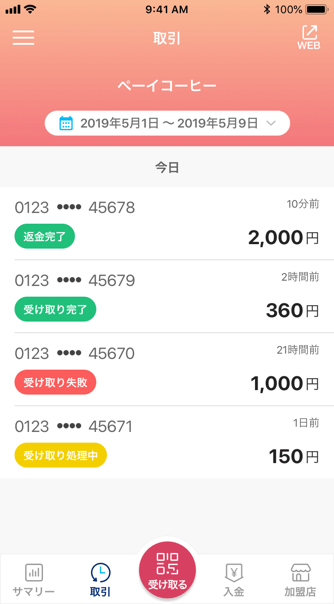
Transaction histories -
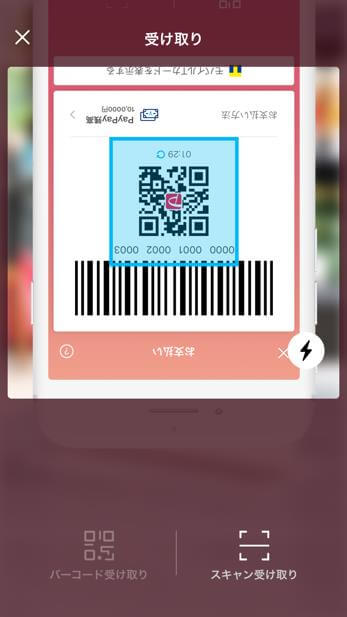
Read the QR code of the user -
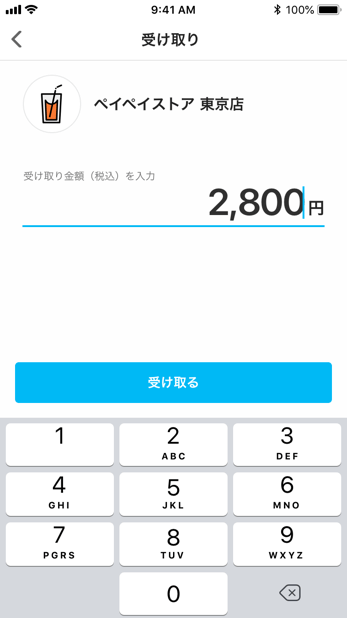
The merchant enters an amount of money for a customer and completes a payment by the customer. -
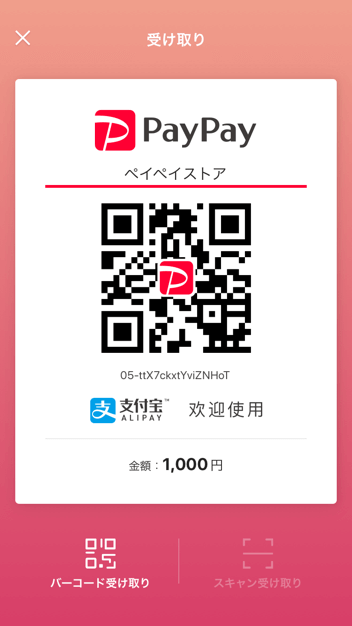
Display the QR code of the merchant
* A merchant cannot scan a QR code presented by an Alipay user to complete a payment by the Alipay.
(2) Checking payment information and histories of money received
You can specify a period of time such as “Today”, “Yesterday”, and “Last 7 Days” to check information on payments made within the specified period of time. In addition, you can check information on money received.
-
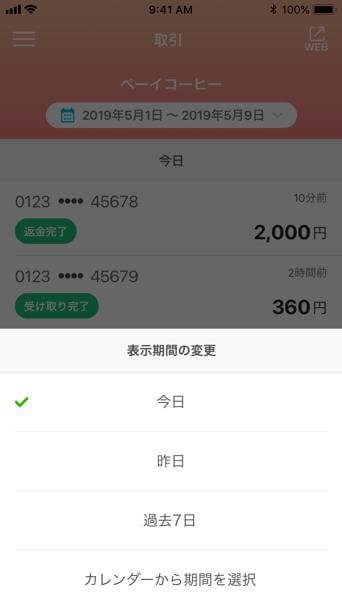
Select a period of time during which transaction histories you would like to see were created. -
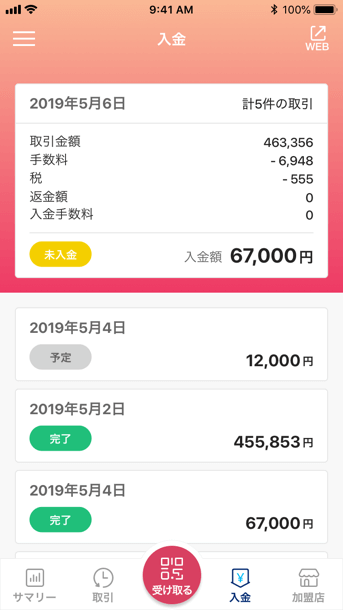
Histories of received proceeds from sales in PayPay
(3) You can check information such as registered account information.
In addition to checking information such as registered account information, you can go to the web version by tapping the “WEB” button in the upper part of the screen and then change and update registration information.
-
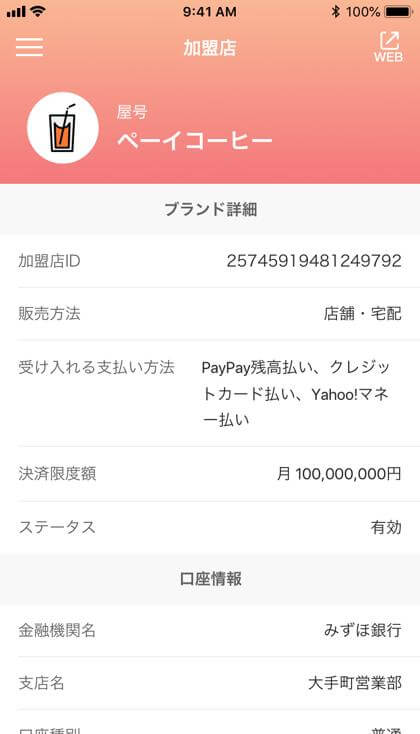
Account information -
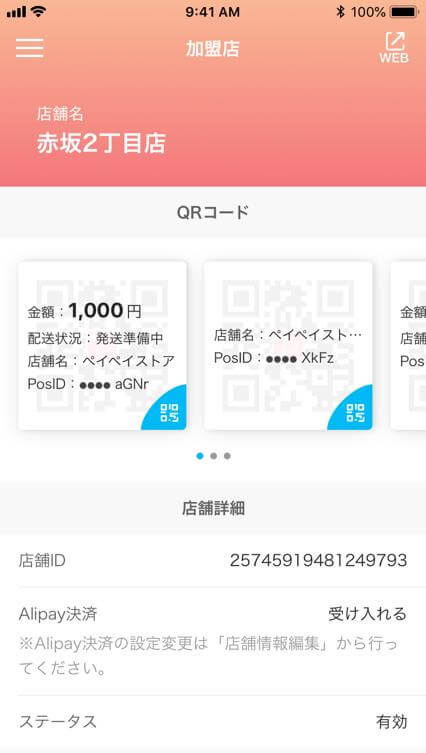
Registration information
<Differences in PayPay for Business between web and app versions>
| Scanning method | Web version | App version | Benefits of using the app version |
|---|---|---|---|
| User Scan | ○ | ○ | QR codes are now available for merchants to show on the PayPay for Business app, in addition to the printed version of QR codes. |
| Store Scan | ☓ | ○ | Merchants, which currently accept payments with PayPay but only by the User Scan method, can also support the Store Scan method. |
* The PayPay for Business app is not available for part of merchants, including those currently supporting the Store Scan method.
■ PayPay for Business app is available for downloading at < App Store and Google Play TM >.
* Supported versions: iOS 11 and later/Android 5.0 and later
■Image files are available for downloading at the link below.
https://yahoo.jp/box/jYDqtA
■ About PayPay
PayPay is the name of smartphone payment services provided by PayPay Corporation, a joint venture owned by three companies under the SoftBank group. PayPay provides payment instruments, including e-money recharged (PayPay Balance) and credit cards. Users can choose whichever instrument they want to use when they make payments at PayPay member merchants and through online services. PayPay Balance can be recharged from bank accounts through online connections, and also by any Seven Bank ATMs accessible. PayPay provides users with full access to a wide variety of features. Users can send/receive PayPay Balance (PayPay Lite) to/from other PayPay users, while the Warican (bill-splitting) feature is useful for users eating out with other people using PayPay. And the list goes on.
* “QR code” is a registered trademark of Denso Wave Incorporated.
* App Store is a service mark of Apple Inc. TM and © 2018 Apple Inc. All rights reserved.
* Google Play is a trademark or registered trademark of Google LCC.
* Company names, store names and product/service names contained in this press release are registered trademarks or trademarks of their respective owners.